In today's fast-moving world, people expect information to be available instantly. Whether it's a school announcing exam schedules, a company sharing important updates, or a residential community informing residents about maintenance work, communication needs to be quick, clear, and accessible.
Traditional notice boards have been used for decades. However, they often create challenges such as outdated notices, limited space, printing costs, and difficulty reaching people in real time.
This is why many organizations are switching to a QR Notice Board.
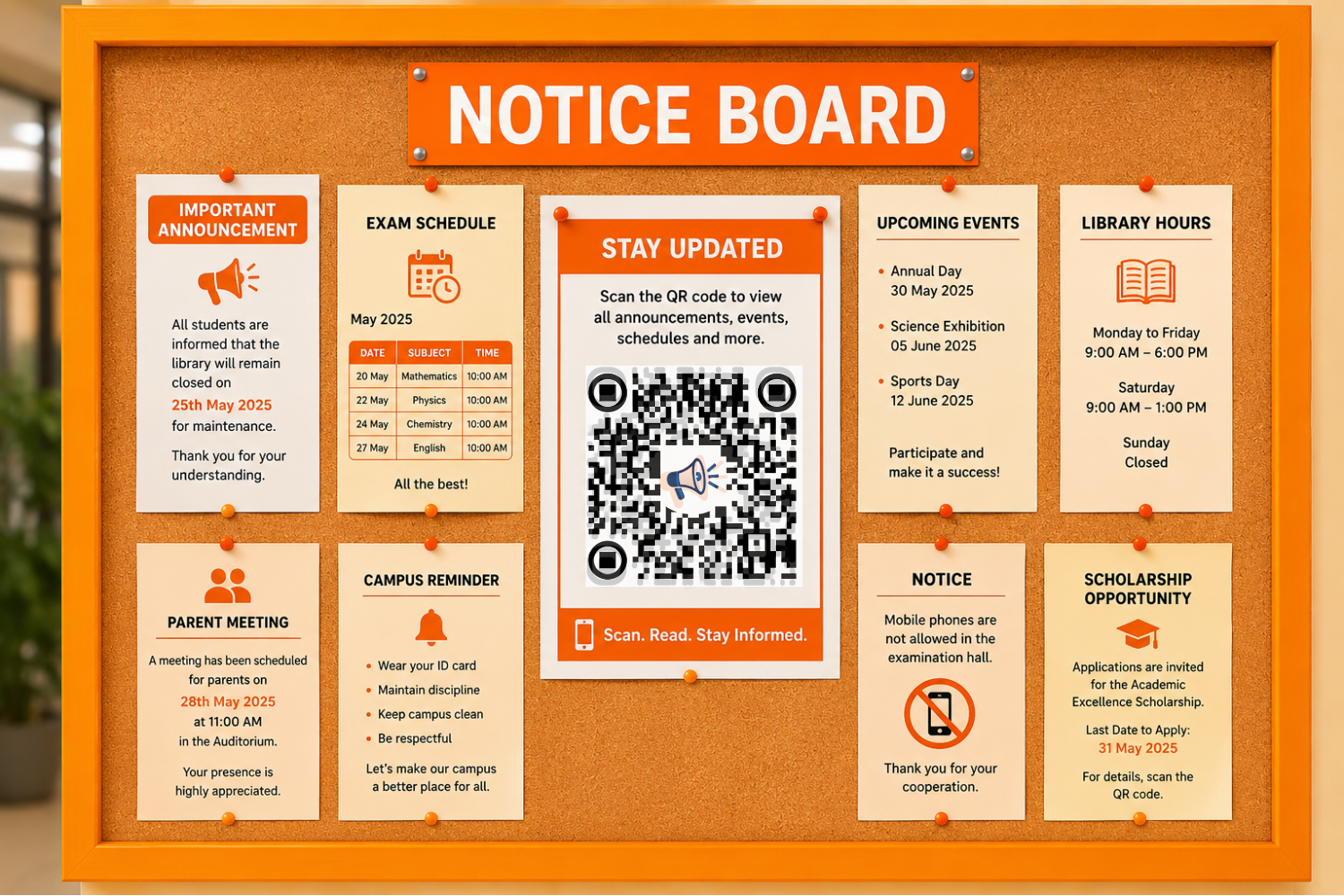
A QR Notice Board allows users to scan a QR code and instantly access announcements, schedules, notices, documents, and updates directly from their smartphones. Instead of relying on printed papers pinned to a wall, organizations can share information digitally and update it whenever needed.
Platforms like QR Orange QR Notice Board help schools, colleges, offices, and communities create modern digital notice boards that improve communication while saving time and resources.
What Is a QR Notice Board?
A QR Notice Board is a digital communication system that uses a QR code to provide instant access to notices and announcements.
When users scan the QR code using their smartphone camera, they can immediately view:
- Announcements
- Event schedules
- Important notices
- Meeting updates
- PDFs and documents
- Academic information
- Community alerts
- Emergency updates
Unlike traditional notice boards, a QR Code Notice Board can be updated at any time without changing the QR code itself.
How Does a QR Notice Board Work?
The process is simple and user-friendly.
Step 1: Create a Digital Notice Board
All announcements and information are uploaded to a digital platform.
Step 2: Generate a QR Code
A unique QR code is linked to the notice board.
Step 3: Display the QR Code
The QR code can be placed on:
- School entrances
- Office reception areas
- Apartment lobbies
- Event venues
- Community centers
Step 4: Scan and Access Information
Users simply scan the QR code and instantly access the latest information on their smartphones.
No app download is required.
Why Traditional Notice Boards Are Becoming Outdated
Traditional notice boards still exist in many places. However, they come with several limitations.
Information Becomes Outdated
Old notices often remain displayed long after they are relevant.
Printing Costs Increase
Every update requires new paper, printing, and manual replacement.
Limited Visibility
Only people who physically visit the notice board can see the information.
Difficult to Manage
Managing multiple notices can become time-consuming.
No Remote Access
Students, employees, and residents cannot view notices when they are away.
A Digital Notice Board solves these issues by providing instant online access.
Key Benefits of a QR Notice Board
A QR Notice Board offers several advantages that improve communication and efficiency.
Instant Access to Information
People no longer need to search for updates.A simple scan provides immediate access to the latest announcements.
Easy Content Updates
Administrators can update information anytime without reprinting notices.This keeps communication accurate and up to date.
Mobile-Friendly Experience
Most people already use smartphones daily.A QR Notice Board makes information available on devices people are already comfortable using.
Paperless Communication
Digital communication helps reduce paper usage and printing costs.This supports sustainability and environmentally friendly practices.
Better Engagement
Because information is easier to access, users are more likely to stay informed.
QR Notice Board for Schools
Schools constantly share important information with students and parents.
A QR Notice Board for Schools can be used for:
- Exam schedules
- Holiday notices
- Parent meetings
- School events
- Sports activities
- Academic announcements
Students simply scan the QR code and instantly access updates.
This reduces confusion and improves communication.
QR Notice Board for Colleges and Universities
Large campuses often struggle with information sharing.
A QR Notice Board for Colleges helps students access:
- Admission updates
- Examination schedules
- Placement announcements
- Department notices
- Campus events
- Academic calendars
This creates a better student experience while reducing administrative workload.
QR Notice Board for Offices
Businesses need fast and effective communication.
A QR Notice Board for Offices can be used to share:
- HR announcements
- Company policies
- Employee benefits
- Meeting schedules
- Training programs
- Internal updates
Employees can access information whenever they need it.
QR Notice Board for Residential Communities
Apartment complexes and housing societies can use QR Notice Boards to communicate with residents.
Common uses include:
- Maintenance schedules
- Security updates
- Parking notices
- Community events
- Emergency alerts
- Facility updates
Residents stay informed without checking physical boards every day.
QR Notice Board for Events
Events require continuous communication with attendees.
A QR Notice Board can help organizers share:
- Event schedules
- Speaker information
- Registration details
- Venue maps
- Session updates
- Important announcements
This improves attendee experience and reduces confusion.
Why Dynamic QR Codes Make QR Notice Boards Better
Dynamic QR codes offer flexibility that traditional communication methods cannot provide.
With a Dynamic QR Notice Board, you can:
- Update announcements instantly
- Change schedules anytime
- Upload new documents
- Share emergency alerts
- Manage content from one place
The QR code remains the same while the content behind it can be updated whenever necessary.
Best Practices for Using a QR Notice Board
To get the best results, follow these simple practices:
Keep Information Organized
Group notices into categories so users can find information quickly.
Update Content Regularly
Remove outdated information and keep content current.
Place QR Codes in Visible Locations
Make sure users can easily scan the QR code.
Use Clear Headlines
Clear headlines improve readability and engagement.
Test QR Codes Frequently
Regular testing ensures a smooth user experience.
Why QR Orange QR Notice Board Is a Smart Choice
QR Orange QR Notice Board provides an easy and efficient way to create digital notice boards.
Benefits include:
- Easy QR code generation
- Dynamic content updates
- Mobile-friendly access
- Fast setup process
- Professional communication tools
Whether you manage a school, college, office, event, or residential community, QR Orange helps simplify communication.
The Future of QR Notice Boards
Digital communication continues to evolve.
As organizations look for smarter ways to share information, QR Notice Boards are becoming an essential communication tool.
Future developments may include:
- Interactive notice boards
- Video announcements
- AI-powered updates
- Smart campus integration
- Real-time notifications
- Advanced analytics
The goal remains the same: deliver information faster and more efficiently.
Frequently Asked Questions
What is a QR Notice Board?
A QR Notice Board is a digital notice board that users can access by scanning a QR code with their smartphone.
How does a QR Notice Board work?
Users scan the QR code and instantly access announcements, schedules, documents, and notices online.
Can I update a QR Notice Board after creating it?
Yes. Dynamic QR Notice Boards allow you to update content anytime without changing the QR code.
Is a QR Notice Board useful for schools?
Yes. Schools use QR Notice Boards for exam schedules, announcements, academic updates, and events.
Can offices use QR Notice Boards?
Absolutely. Offices use them for employee communication, HR updates, and company announcements.
Do users need an app to scan the QR code?
No. Most smartphones can scan QR codes directly through the camera.
Can QR Notice Boards reduce printing costs?
Yes. Because information is shared digitally, organizations spend less on paper and printing.
Are QR Notice Boards secure?
Yes. Administrators can control and manage the content shared through the notice board.
Can QR Notice Boards be used for events?
Yes. They are ideal for sharing event schedules, venue information, and attendee updates.
Why are QR Notice Boards becoming popular?
They provide faster communication, real-time updates, mobile access, and a better user experience.
Conclusion
A QR Notice Board is transforming the way organizations share information. https://qrorange.com/qr-notice-board/ It combines the simplicity of a traditional notice board with the convenience of digital technology.
Whether you're running a school, college, office, residential community, or event, a QR Notice Board helps improve communication, reduce costs, save time, and provide instant access to important information.
With QR Orange QR Notice Board, sharing updates becomes faster, smarter, and more efficient than ever before.