Everything you need to know about QR Orange codes, plans, and customization.
What is a QR code?
+
A QR code (Quick Response code) is a two-dimensional barcode that stores and instantly shares digital information — such as website URLs, PDF files, restaurant menus, contact details, payment links, and more. When scanned with a smartphone camera or QR code reader app, it directs users to the encoded content within seconds. Businesses, marketers, and educators worldwide use QR codes to bridge the gap between physical and digital experiences — no typing, no searching, just one quick scan.
How do QR codes work?
+
A QR code works by encoding data — like a URL or text — into a pattern of black and white squares. When a smartphone camera or QR scanner reads this pattern, it instantly decodes the information and performs the designated action: opening a website, displaying a menu, initiating a phone call, or launching a location map. The process takes less than a second and requires no special app on modern Android or iOS devices. QR Orange uses advanced encoding algorithms to ensure your QR codes are always fast, reliable, and scan-ready.
Are QR codes safe to use?
+
Yes — QR codes generated from a trusted platform like QR Orange are completely safe to use. QR Orange does not embed malicious links or redirect users to harmful content. However, as a general best practice, always avoid scanning QR codes from unknown or unverified physical sources, as bad actors can sometimes replace legitimate codes with fraudulent ones. When you create and share QR codes through QR Orange, your audience can trust that the destination is exactly what you intended.
What types of QR codes can I create with QR Orange?
+
QR Orange supports a wide variety of QR code types to meet every business need. You can create QR codes for websites and landing pages, PDF and file downloads, Google Maps locations, phone calls and WhatsApp messages, customer feedback forms, digital restaurant menus, event registrations and tickets, product detail pages, vCard contact cards, and more. Whether you're a small business owner, event organizer, or marketing professional, QR Orange has the right QR code type for your use case.
What is the difference between static and dynamic QR codes?
+
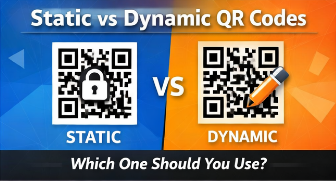
Static QR codes permanently encode a fixed URL or piece of data. Once printed, they cannot be changed — making them ideal for simple, one-time uses like linking to a stable webpage. Dynamic QR codes, on the other hand, use a short redirect link, which means you can update the destination URL anytime without reprinting the code. Dynamic QR codes also come with built-in analytics so you can track scan counts, device types, scan locations, and time-based trends. For marketing campaigns, menus, and business use, dynamic QR codes are the smarter choice.
Can I change the destination of a QR code after printing?
+
Yes — but only if you use a dynamic QR code. With QR Orange's dynamic QR code feature, you can log in to your dashboard and update the destination URL whenever you need, even after the code has already been printed on flyers, packaging, or signage. The physical QR code remains exactly the same, but it will redirect users to your new destination instantly. Static QR codes, by contrast, are permanently fixed and cannot be edited after creation.
Can I track who scans my QR code?
+
Yes. QR Orange's dynamic QR codes come with real-time scan tracking and analytics. You can monitor total scan counts, unique scans, the device types used (Android, iOS, desktop), geographic scan locations, and scan trends over time. This data helps you measure the effectiveness of your campaigns, understand your audience, and optimize your marketing strategy. Scan tracking is available on QR Orange's Pro plan and is one of the most powerful features for businesses running QR code campaigns.
Can I add my logo to a QR code?
+
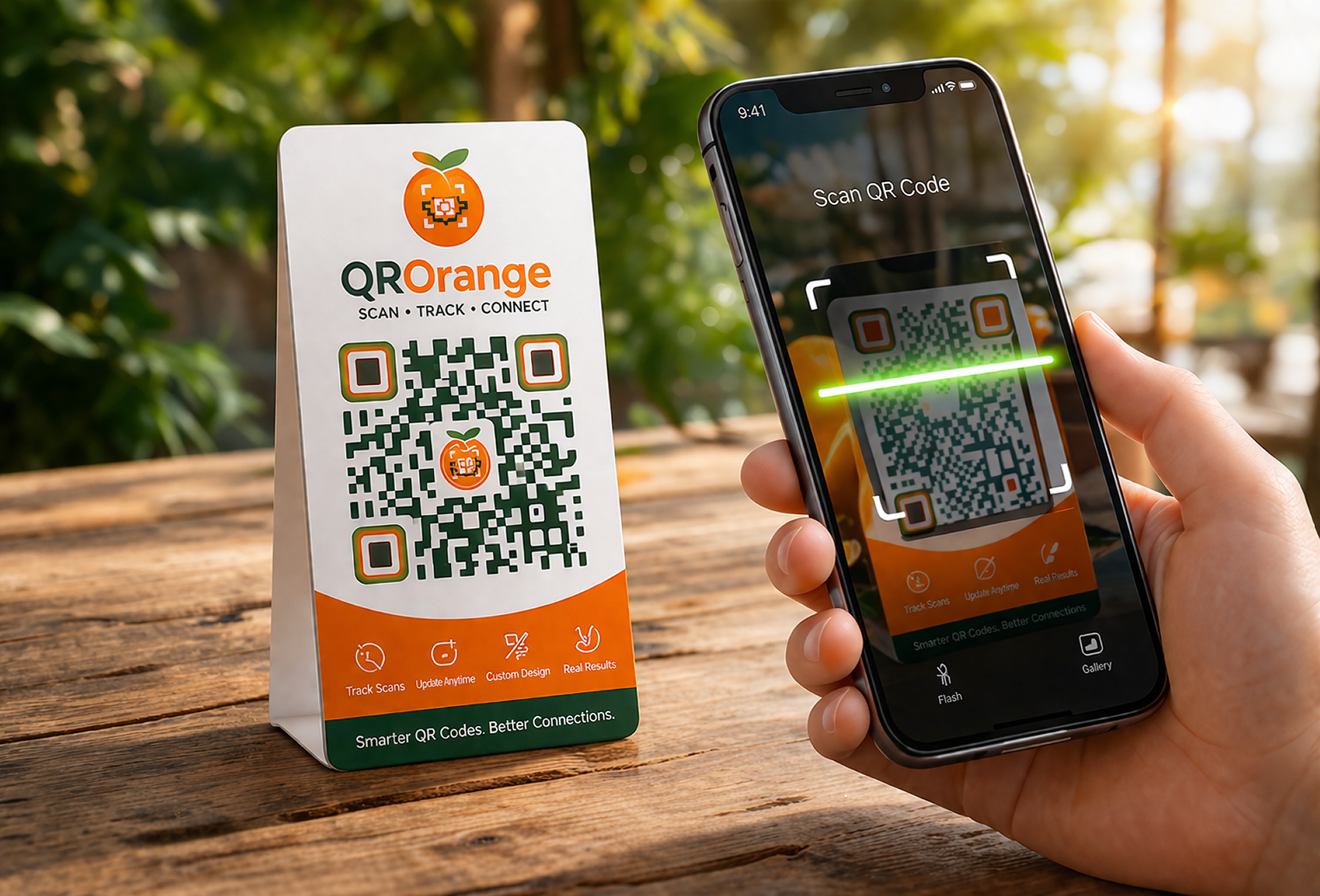
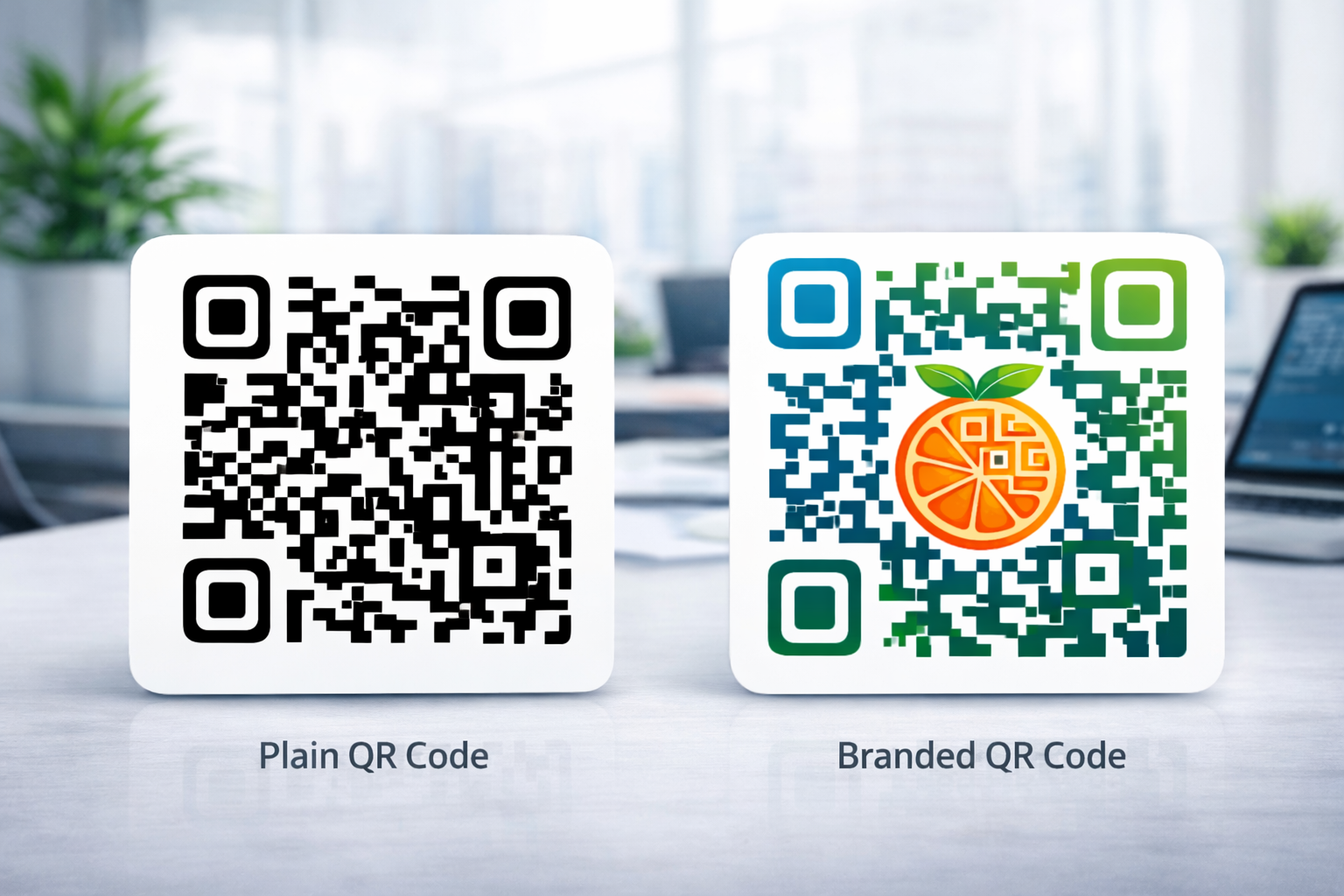
Absolutely. QR Orange allows you to upload your brand logo or any custom image and embed it directly in the center of your QR code. Adding a logo makes your QR code instantly recognizable, builds brand trust, and increases scan rates. QR Orange automatically applies error correction technology to ensure the QR code remains fully scannable even with a logo overlay. Custom logo QR codes are perfect for business cards, product packaging, posters, and marketing materials.
Can I customize colors and shapes of my QR code?
+
Yes — QR Orange offers extensive customization options so your QR code matches your brand identity. You can choose custom foreground and background colors, apply gradient fills, and select from multiple dot patterns and corner styles. Whether you want a sleek minimal look or a bold branded design, QR Orange gives you full creative control. All customized QR codes are tested for scannability to ensure they work flawlessly across all devices and scanning environments.
Do customized QR codes still scan properly?
+
Yes, when created with QR Orange. Our platform automatically checks that your customized QR code maintains the minimum contrast ratio, appropriate quiet zone margins, and module clarity required for reliable scanning. QR Orange applies built-in error correction (up to 30% of the code can be obscured and it will still scan correctly), so your custom colors, gradients, and logo won't interfere with functionality. We always recommend testing your QR code on multiple devices before going to print.
Can I use QR codes for restaurant menus?
+
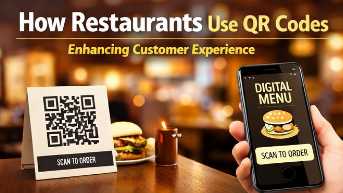
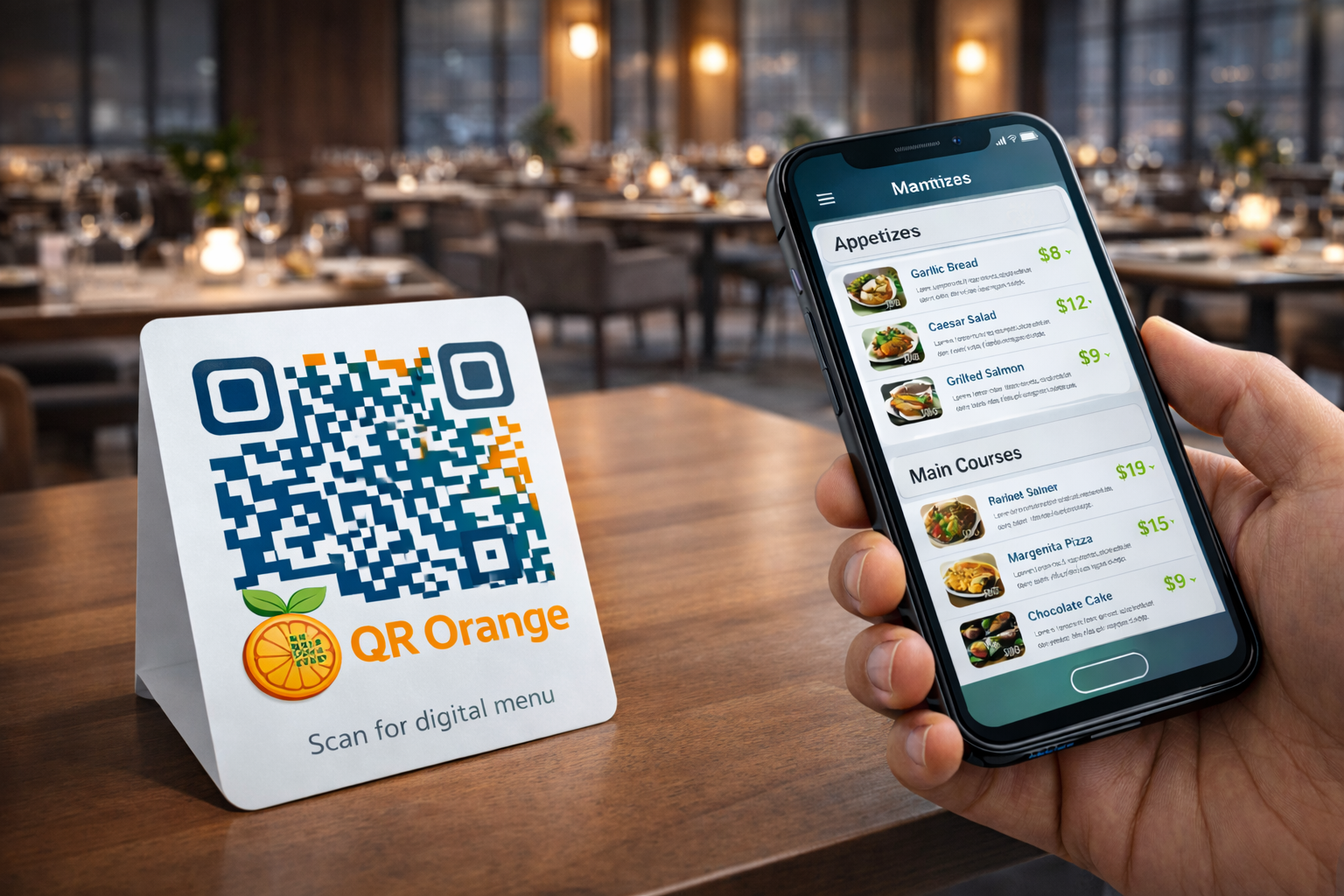
Yes — QR codes are ideal for contactless digital menus in restaurants, cafes, and food trucks. With QR Orange, you can link your QR code to a PDF menu, a webpage, or a fully styled digital menu. Place the QR code on tables, walls, or takeaway packaging so customers can instantly access your menu on their smartphones. Digital menus are easy to update anytime (especially with dynamic QR codes), eco-friendly, and have become a preferred choice for diners and restaurant owners worldwide since the rise of contactless dining.
Can I use QR codes for events or tickets?
+
Yes. QR codes are one of the most efficient tools for event management. With QR Orange, you can create QR codes that link directly to event registration pages, ticket purchase portals, RSVP forms, schedules, or virtual event platforms. QR codes can also be printed on physical tickets for fast check-in scanning at the venue. Whether you're organizing a concert, conference, wedding, or local community event, QR Orange makes ticketing and event access seamless and professional.
Can I use QR codes in marketing campaigns?
+
Absolutely. QR codes are a powerful digital marketing tool that connects offline and online channels. With QR Orange's dynamic QR codes and built-in analytics, you can run trackable campaigns across print ads, billboards, product packaging, direct mail, and retail displays. Monitor real-time scan data to see which placements are performing best, A/B test different landing pages, and optimize your ROI without reprinting a single code. Branded QR codes with your logo and colors also increase click-through rates and brand recall.
What file formats can I download my QR code in?
+
QR Orange offers multiple download formats to suit different use cases. All users can download QR codes as high-resolution PNG files, which are ideal for digital use, websites, and social media. Pro plan users can also download QR codes in SVG (scalable vector format) and PDF — both of which are perfect for large-format printing such as banners, billboards, packaging, and merchandise, where pixel-perfect quality is essential. Always use SVG or PDF for print to avoid pixelation.
Do QR codes work on all devices?
+
Yes. QR codes are universally compatible and can be scanned on all modern smartphones and tablets — including iPhones, Android phones, and even most feature phones with a camera. No dedicated QR code app is needed on iOS 11+ or Android 9+, as both operating systems have QR scanning built directly into the native camera. QR Orange-generated codes follow global QR code standards (ISO/IEC 18004), ensuring maximum compatibility across all devices and scanning apps worldwide.
How fast can I generate a QR code with QR Orange?
+
QR codes are generated instantly on QR Orange — typically in under one second. Simply enter your URL or content, customize the design if desired, and your QR code is ready to download and use immediately. There's no waiting, no queue, and no complicated setup. Whether you need one QR code or dozens, QR Orange's fast and intuitive generator makes the process effortless for individuals and businesses alike.
Do I need an account to create QR code?
+
No account is needed to generate a basic static QR code on QR Orange. You can create and download a free QR code immediately without signing up. However, creating a free account unlocks additional features such as saving your QR codes, accessing your creation history, and using dynamic QR codes. An account is required to access scan analytics, edit dynamic QR codes, and manage multiple QR codes from a centralized dashboard — features that are essential for business and marketing use.
Is there a free version of QR Orange?
+
Yes. QR Orange offers a free plan that lets anyone create, customize, and download static QR codes at no cost. The free plan includes basic color and design customization and PNG download. For businesses and marketers who need dynamic QR codes, real-time scan tracking, advanced analytics, and high-resolution SVG/PDF exports, QR Orange offers an affordable Pro plan with all premium features included. You can start for free and upgrade only when you need more.
Can I upgrade my QR Orange plan later?
+
Yes, absolutely. QR Orange is designed to grow with your needs. You can start on the free plan and upgrade to a Pro plan at any time directly from your account dashboard. All your existing QR codes and data are preserved when you upgrade. Pro plan features — including dynamic QR codes, analytics, and high-resolution downloads — become available instantly after upgrading. There's no long-term commitment required, and upgrading takes just a few clicks.
Are there limits on free QR codes?
+
Free QR codes created on QR Orange have no scan limits — your code can be scanned an unlimited number of times with no expiry. However, the free plan does have some feature limitations: advanced analytics, dynamic QR code editing, and SVG/PDF downloads are reserved for Pro plan users. If you need to track scans, update your QR code destination, or create print-quality files, upgrading to QR Orange Pro gives you access to all these features without restrictions.
Are QR codes editable after printing?
+
Static QR codes are not editable after printing — they permanently encode a fixed destination. If you need the flexibility to change your QR code's destination after it's been printed on materials, you need a dynamic QR code. QR Orange's dynamic QR codes use a short redirect that you control from your dashboard. You can update the destination URL as many times as you need — without touching the printed code. This makes dynamic QR codes the smart choice for menus, campaigns, and any materials with long print runs.
How can I make my QR codes more effective?
+
To maximize QR code performance, follow these best practices: use high-contrast colors (dark code on a light background) for reliable scanning; print your QR code at a minimum size of 2 cm x 2 cm; always include a clear call-to-action near the code such as Scan to view menu or Scan for exclusive offer; add your brand logo to increase recognition and trust; use dynamic QR codes so you can optimize the destination based on performance data; and test your QR code on multiple devices and scanning apps before distributing at scale.
Can multiple QR codes link to the same URL?
+
Yes. You can create as many QR codes as you like on QR Orange, all pointing to the same destination URL. This is particularly useful for multi-channel marketing campaigns where you want to track the performance of different placements independently — for example, one code on a flyer, another on a poster, and a third on social media. With dynamic QR codes, each code tracks its own scan analytics separately, giving you granular campaign insights even when all codes lead to the same landing page.
Will QR codes expire?
+
Static QR codes created with QR Orange never expire. They are permanent and will work indefinitely, as long as the destination URL remains active. Dynamic QR codes remain active and fully functional as long as your QR Orange account is active. If you cancel a paid plan, dynamic QR codes associated with that plan may be affected, but static QR codes are always yours to keep. For long-term use on printed materials, static QR codes are the most reliable option with zero ongoing dependencies.
Is support available if I have issues with QR Orange?
+
Yes. QR Orange provides dedicated email support for all users, along with a comprehensive help center with step-by-step guides, tutorials, and best practice documentation. Whether you're having trouble customizing your QR code, setting up analytics, or understanding dynamic QR code features, our support team is here to help. Pro plan users receive priority support for faster response times. We're committed to making sure every QR code you create works perfectly and delivers real results for your business.